Stop sending boring PDFs. Start creating high-converting, interactive digital experiences using Canva Pro.
Are you only using your Canva Pro subscription to make Instagram graphics? You’re sitting on a powerful, time-saving tool that can completely transform how you send proposals, brochures, and client intake forms!
Rachel from AskRachel.co.uk guides you step-by-step through unlocking Canva Pro’s built-in document features. Learn how to convert static, plain files into interactive, clickable digital assets that save money, wow your clients, and drive actual sales.
🎯 What You’ll Learn Inside
Clickable Call-to-Actions & Checkout Links: Add "Buy Now" buttons and booking links directly into client proposals so prospective clients can pay or book seamlessly.
Internal Document Navigation: Learn how to structure multi-page brochures or ebooks with hyperlinked table of contents that jump straight to target sections.
Interactive Live Forms: Embed Google Forms, Typeform, or Jotform directly into custom Canva layouts using Public View Links so clients can complete forms without leaving your document.
Smart Document Management: Master page naming hacks and export settings to streamline your design workflow and keep links working flawlessly.
👥 Who Is This Workshop For?
Small Business Owners & Freelancers who want to send professional, clickable proposals without paying for expensive PDF software.
Service Providers & Coaches looking to streamline client onboarding and discovery call bookings.
Canva Pro Users eager to maximize their subscription value and simplify their everyday business operations.
Stop sending boring PDFs. Start creating high-converting, interactive digital experiences using Canva Pro.
Are you only using your Canva Pro subscription to make Instagram graphics? You’re sitting on a powerful, time-saving tool that can completely transform how you send proposals, brochures, and client intake forms!
Rachel from AskRachel.co.uk guides you step-by-step through unlocking Canva Pro’s built-in document features. Learn how to convert static, plain files into interactive, clickable digital assets that save money, wow your clients, and drive actual sales.
🎯 What You’ll Learn Inside
Clickable Call-to-Actions & Checkout Links: Add "Buy Now" buttons and booking links directly into client proposals so prospective clients can pay or book seamlessly.
Internal Document Navigation: Learn how to structure multi-page brochures or ebooks with hyperlinked table of contents that jump straight to target sections.
Interactive Live Forms: Embed Google Forms, Typeform, or Jotform directly into custom Canva layouts using Public View Links so clients can complete forms without leaving your document.
Smart Document Management: Master page naming hacks and export settings to streamline your design workflow and keep links working flawlessly.
👥 Who Is This Workshop For?
Small Business Owners & Freelancers who want to send professional, clickable proposals without paying for expensive PDF software.
Service Providers & Coaches looking to streamline client onboarding and discovery call bookings.
Canva Pro Users eager to maximize their subscription value and simplify their everyday business operations.

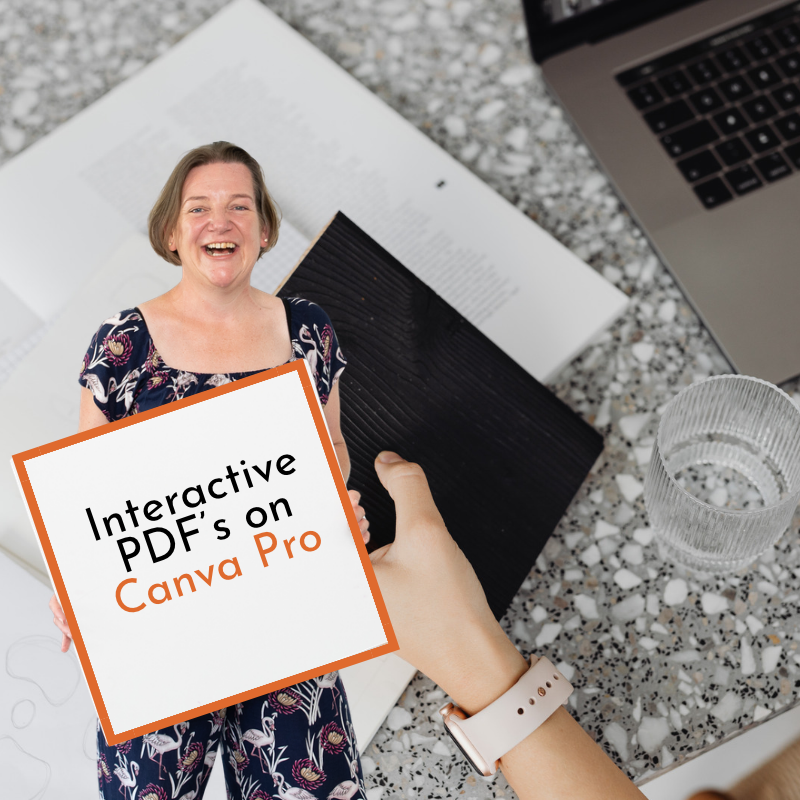 Image 1 of 1